How to Generate High-Converting Product Photos Using AI for Amazon, Shopify, and Instagram
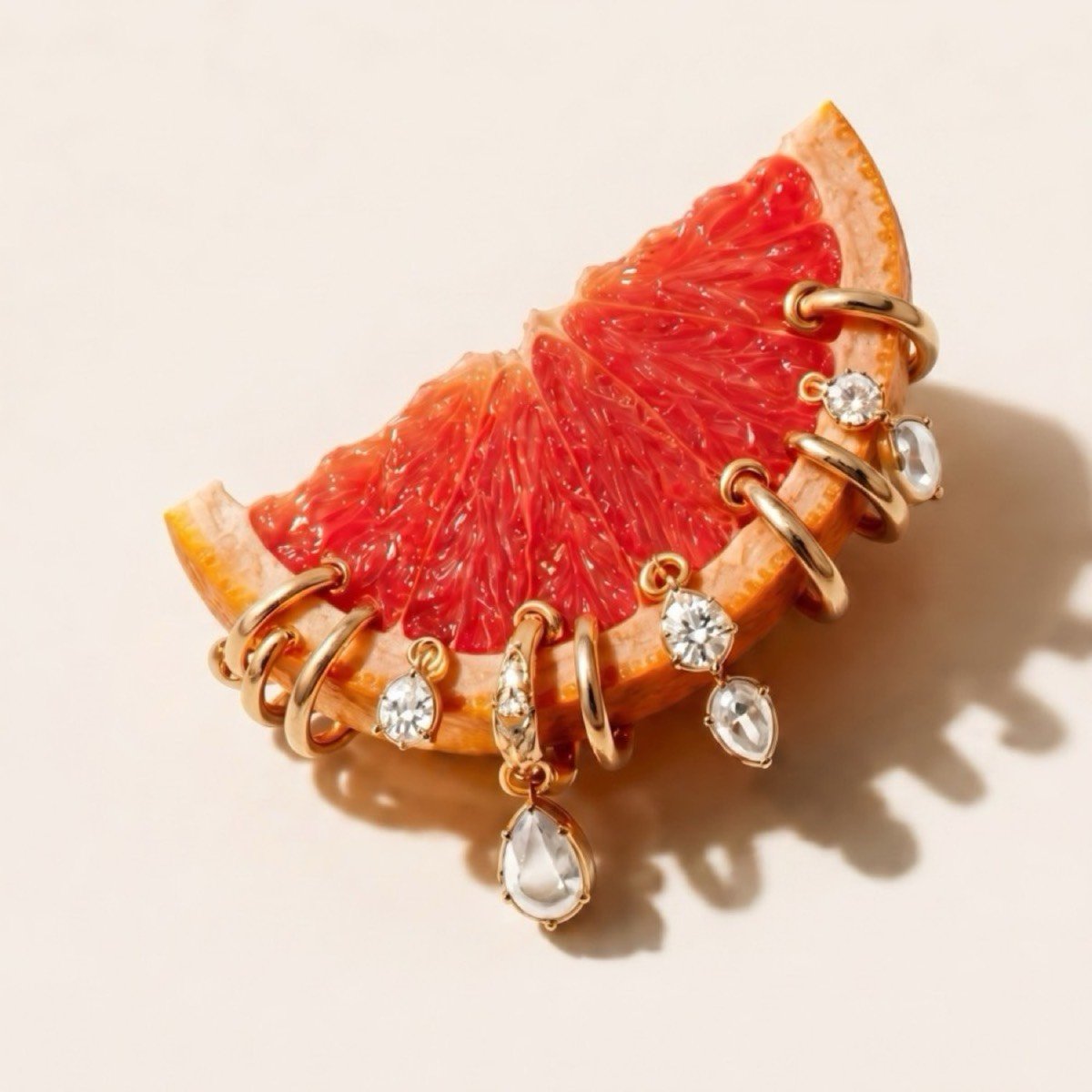
Generating an AI image is easy, but generating an image that drives sales requires a strategic approach. This guide outlines how to configure, render, and refine AI product assets to increase conversions on Shopify, Amazon, and social media platforms.
1. Master the Studio Main Image
Your primary search result listing photo must be clear, crisp, and direct. Use AI to place your product on a pristine white background with realistic, soft ground shadows that add depth without distracting from the item itself.
2. Match the Background to the Target Demographics
Contextual backgrounds tell the customer who the product is for. For a luxury skincare line, render backgrounds featuring organic marble, fresh botanicals, and soft morning light. For a sport supplement, choose high-contrast, dark slate textures with dynamic water droplets to convey energy.
3. Perfect the Lighting and Reflections
The most common tell of low-quality AI is mismatched lighting. Ensure that the highlights and reflections on your product match the background light source. If your background is a warm sunset, your product must have soft, golden highlights along its edges to feel authentic.